
PrimeXBT × TradingView

Connect once and get everything in one place — pro charting tools, real-time alerts, and PrimeXBT's top-tier conditions.

Connect now
Trading involves risk

Professional tools for technical analysis

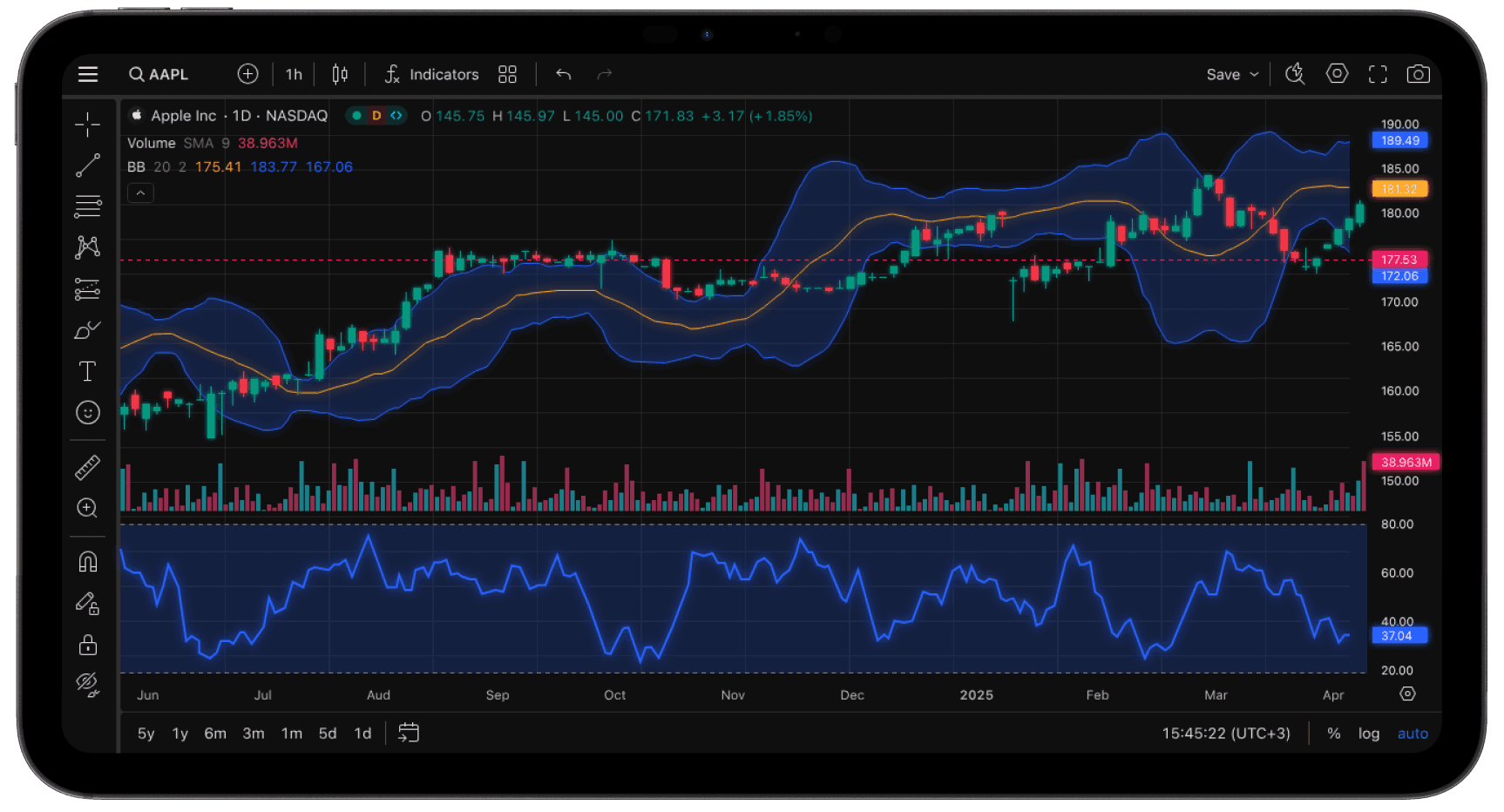
See any market from any angle. TradingView Supercharts give you full control over how you read price action.

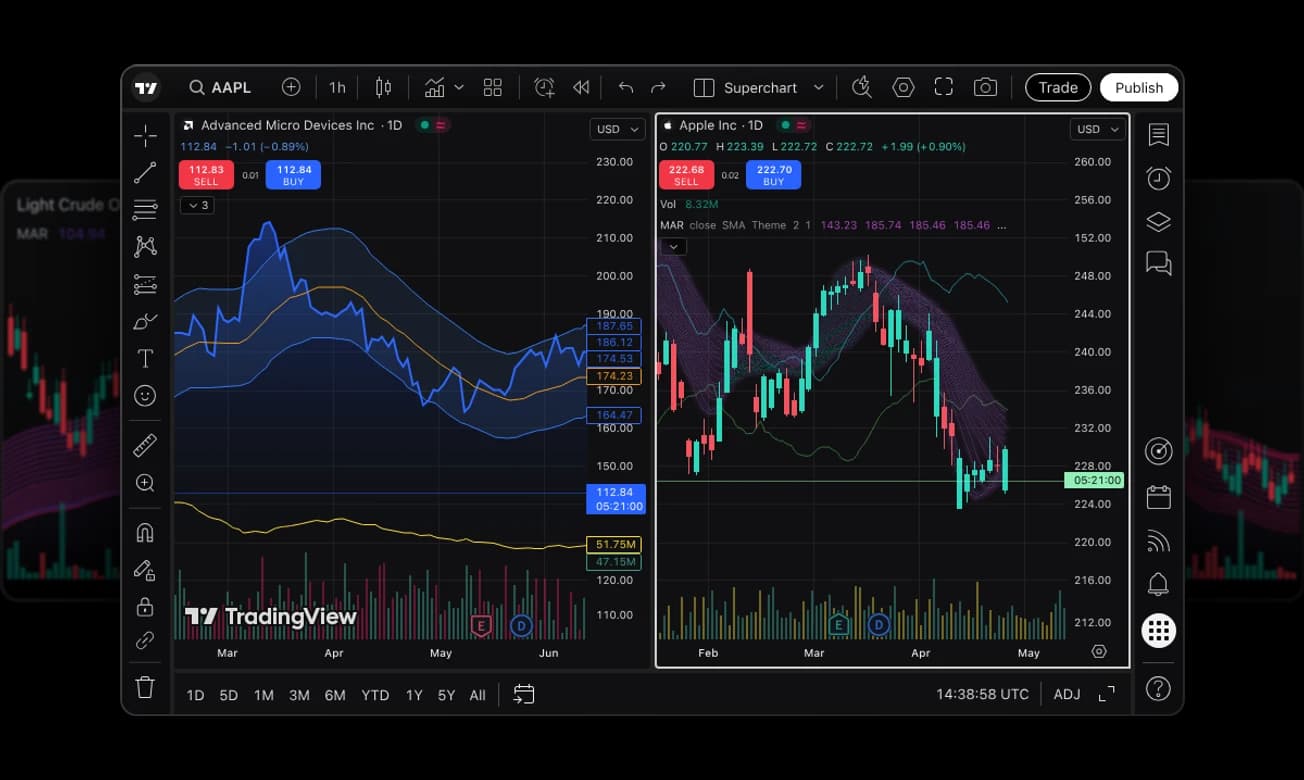
Multi-chart layouts
Track multiple markets and strategies simultaneously with fully customizable chart workspaces.
Smart command search
Find tools, indicators, and trading functions instantly with intuitive search and navigation.
Advanced trading tools
Access indicators, drawing tools, and professional technical analysis features.
Flexible time intervals
Analyze price action across custom timeframes, from seconds to long-term market trends.

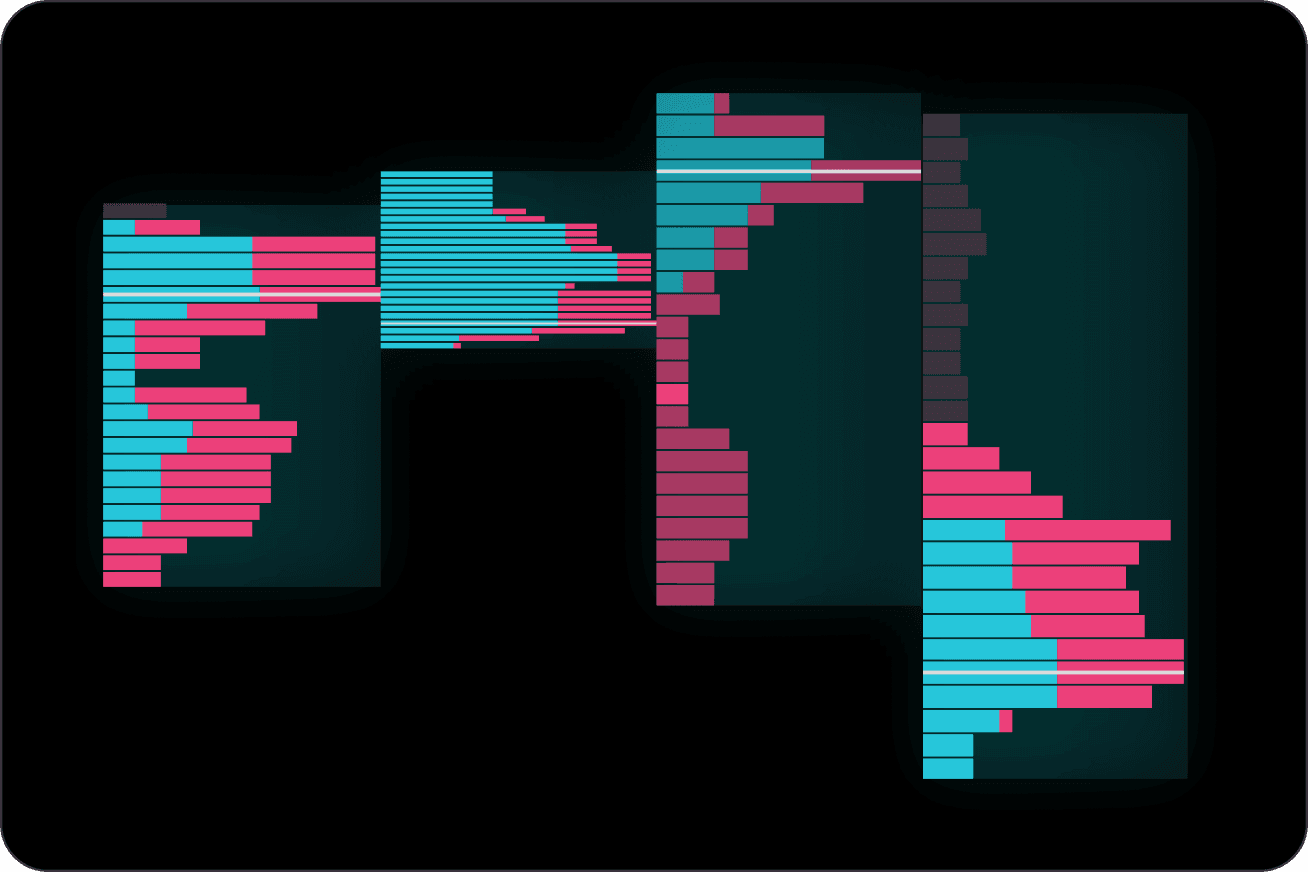
Professional charts for every trading style

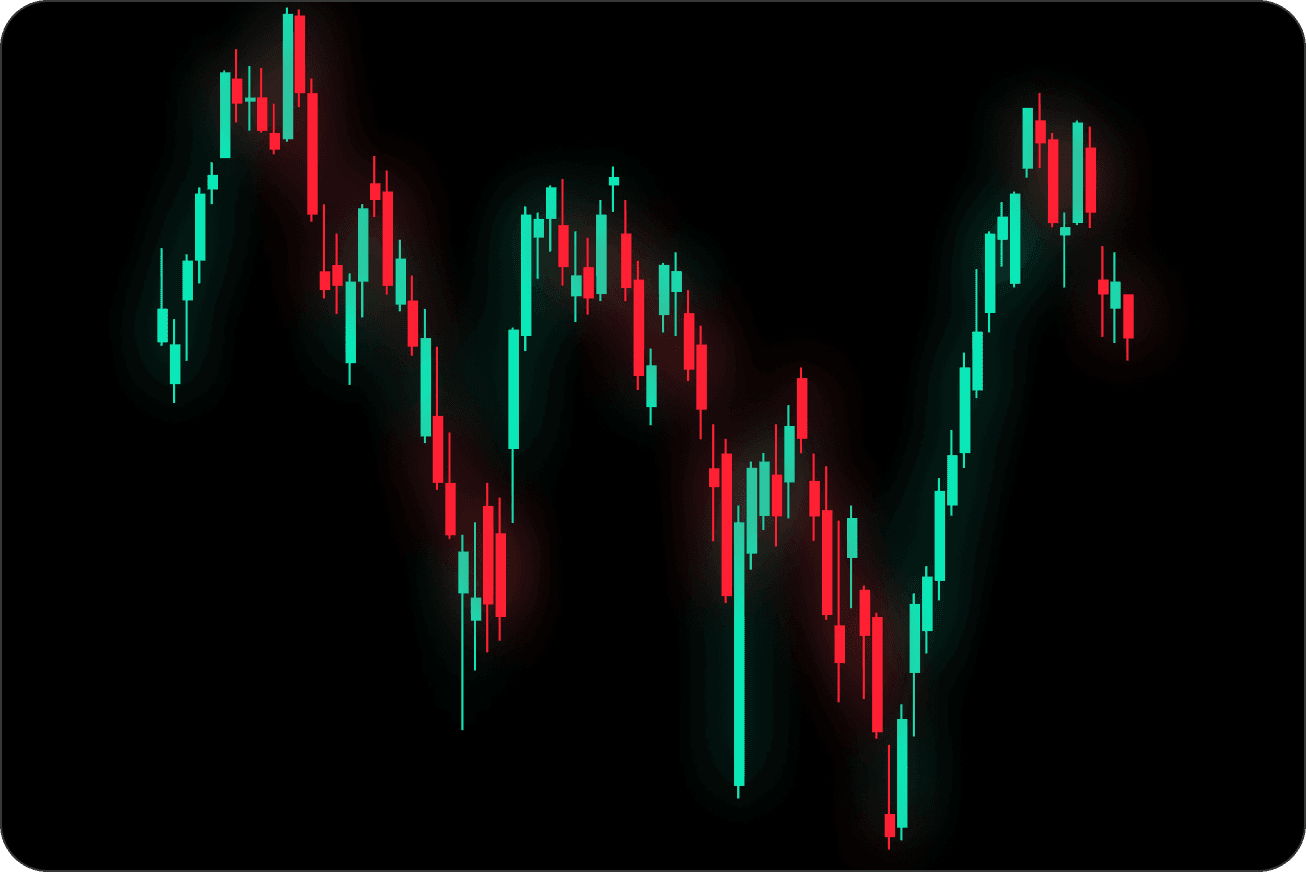
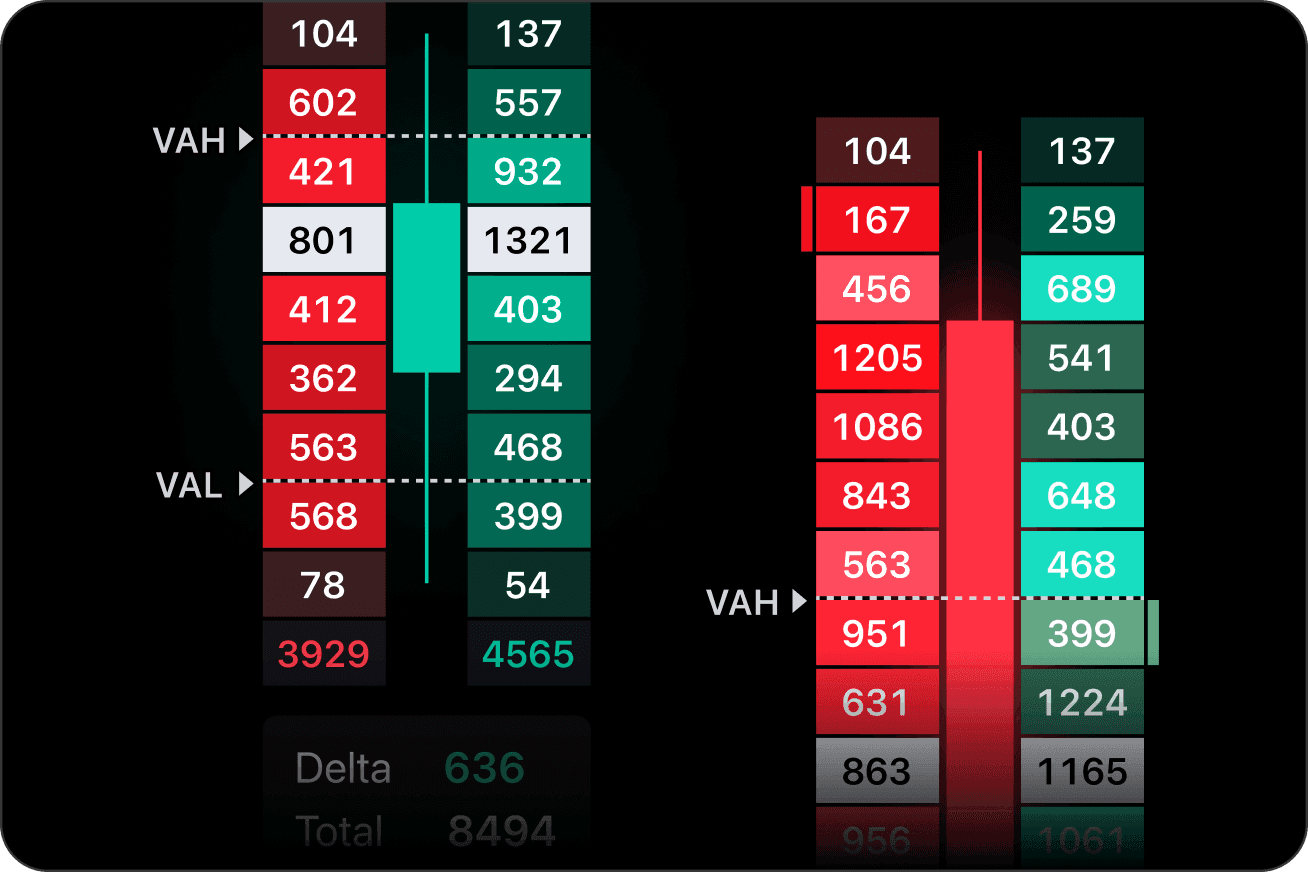
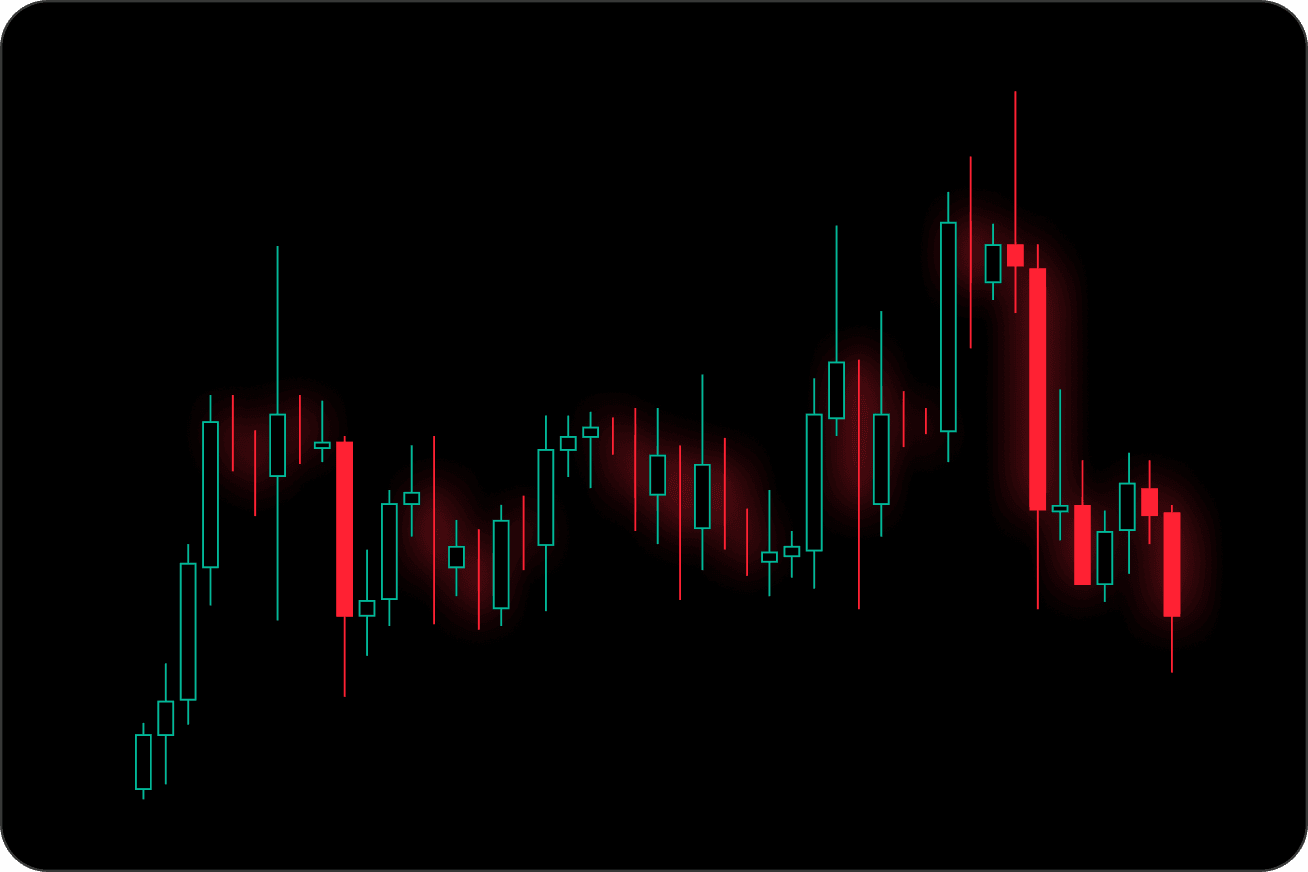
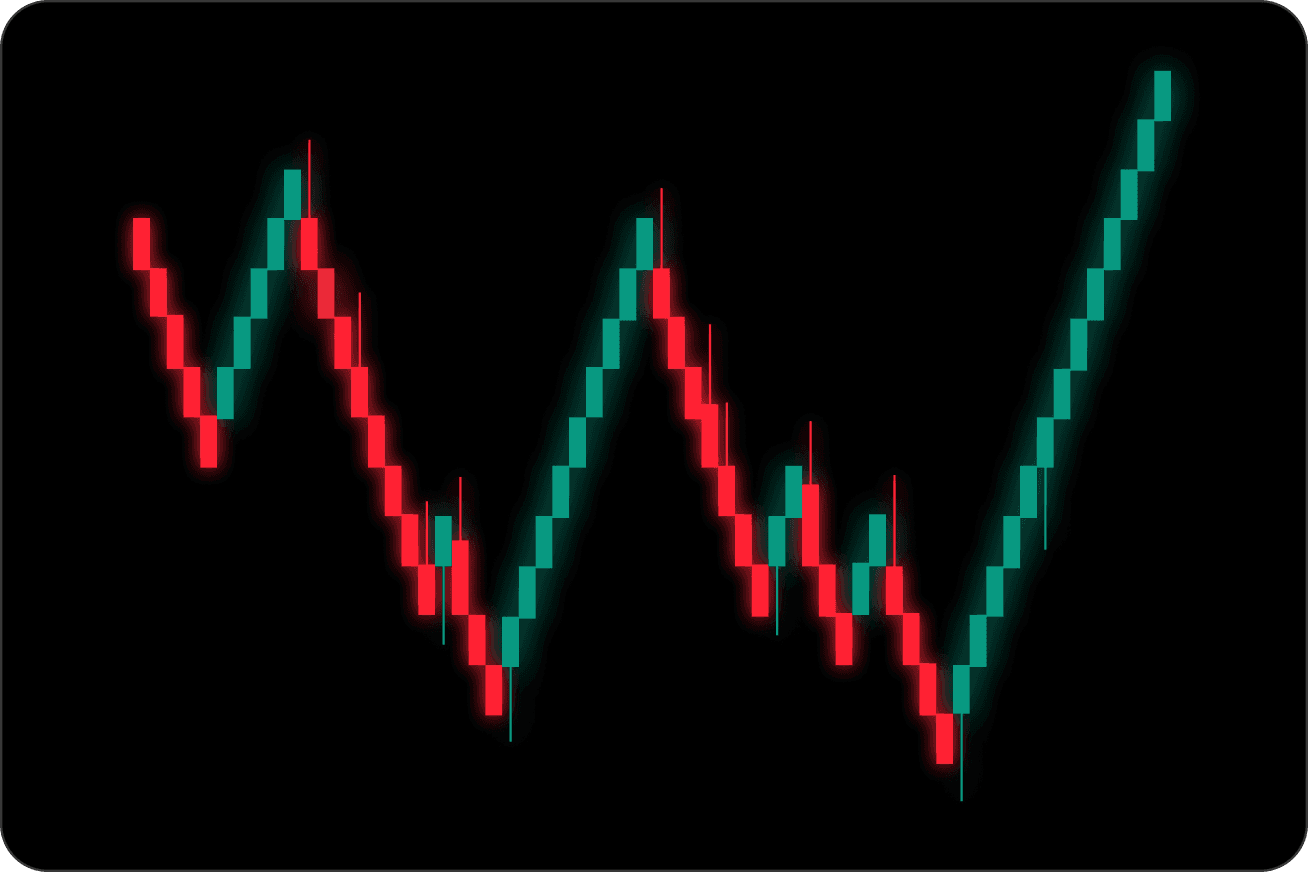
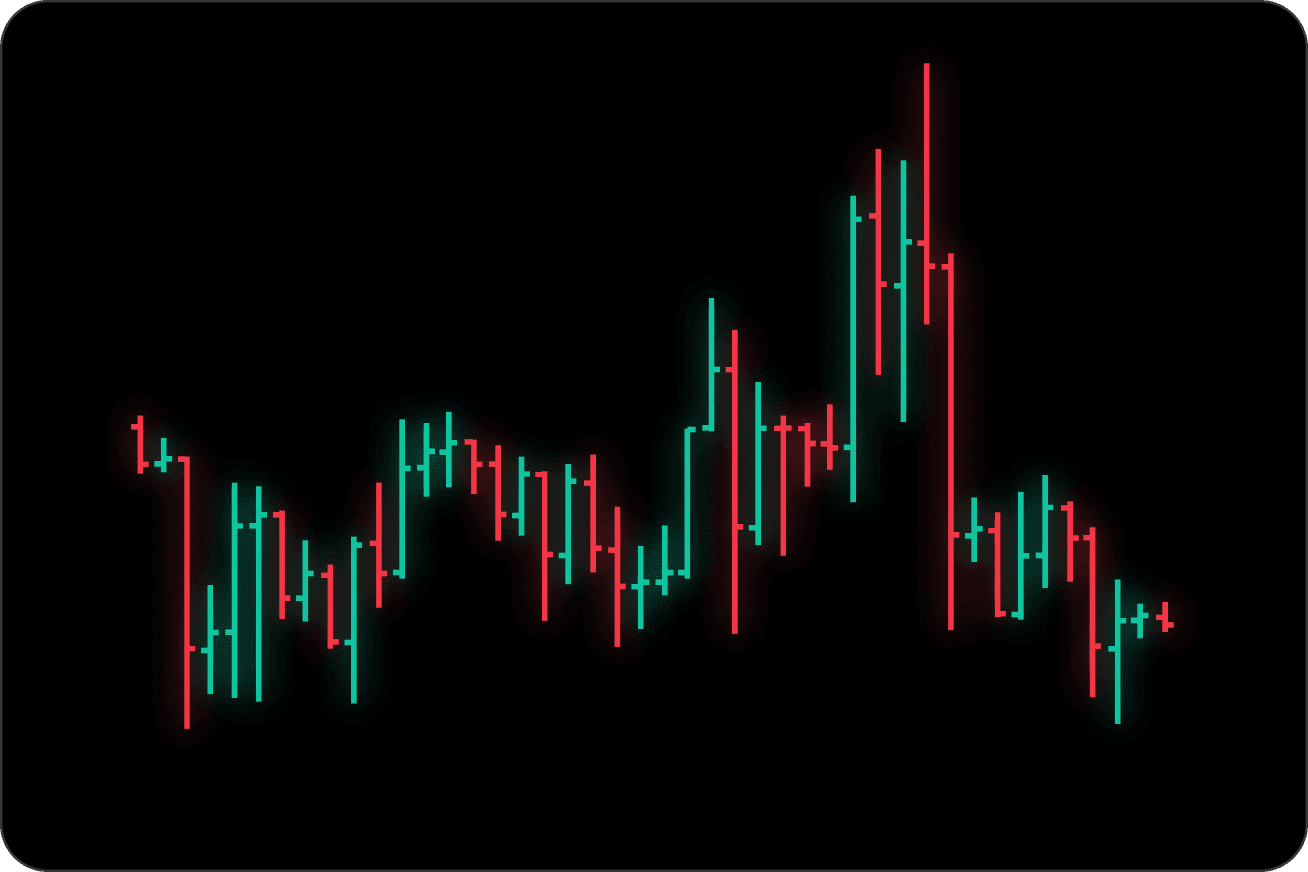
Explore TradingView's advanced charting ecosystem — from classic candlesticks to professional volume analysis tools designed for deeper market insights.

Market discovery, made smarter

Scan global markets, compare assets in real time, and uncover trading opportunities faster with TradingView screeners and heatmaps.

Powerful market screeners

Scan stocks, crypto, ETFs, and more with flexible real-time filters and custom criteria.

  • Multi-asset market scanning
  • Advanced filters & timeframes
  • Real-time market data

Visual market heatmaps

Track market sentiment, sector performance, and asset movement through interactive heatmaps.

  • Sector-based market views
  • Customizable heatmaps
  • Quick market insights at a glance
Start Trading
Trading involves risk

Advanced tools
for smarter trading decisions

Everything you need to analyze markets, validate strategies, and trade with confidence.

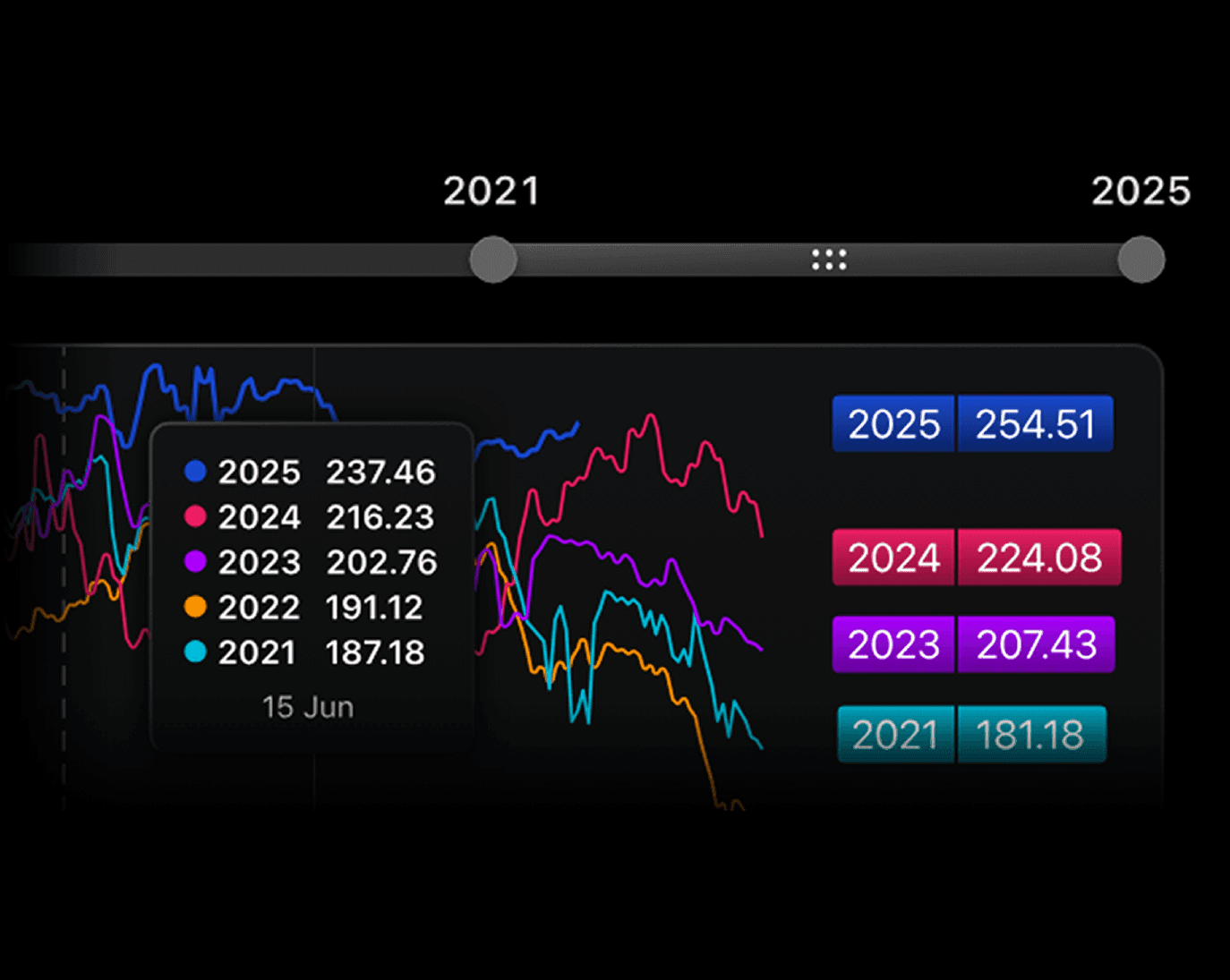
Spot market trends before they repeat

Use TradingView Bar Replay with PrimeXBT to revisit historical market movements, test trading ideas, and practice execution in real market conditions.

  • Seasonal market insights
  • Compare historical performance
  • Smarter trade timing
  • Multi-year market visualization
  • Built for strategic analysis
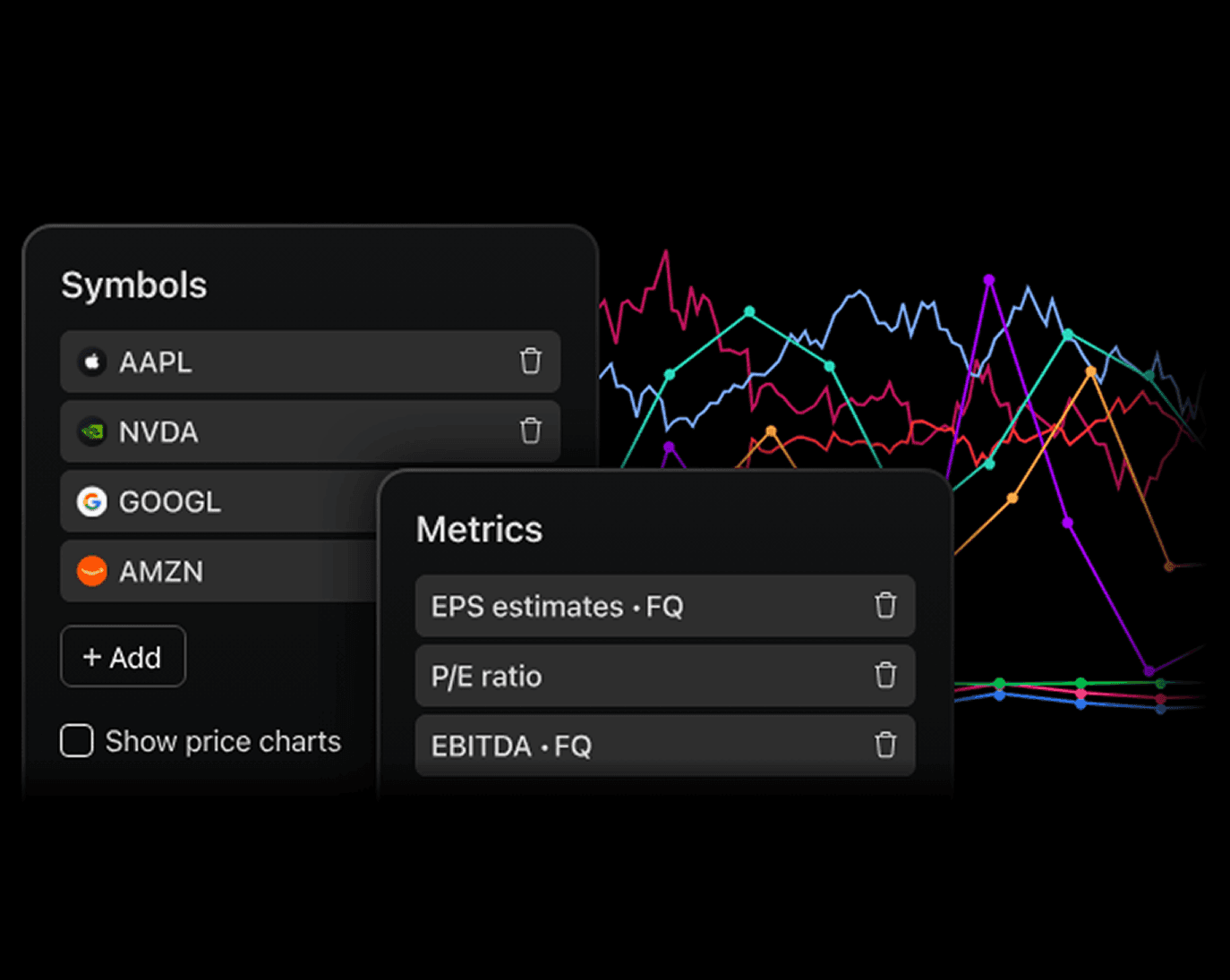
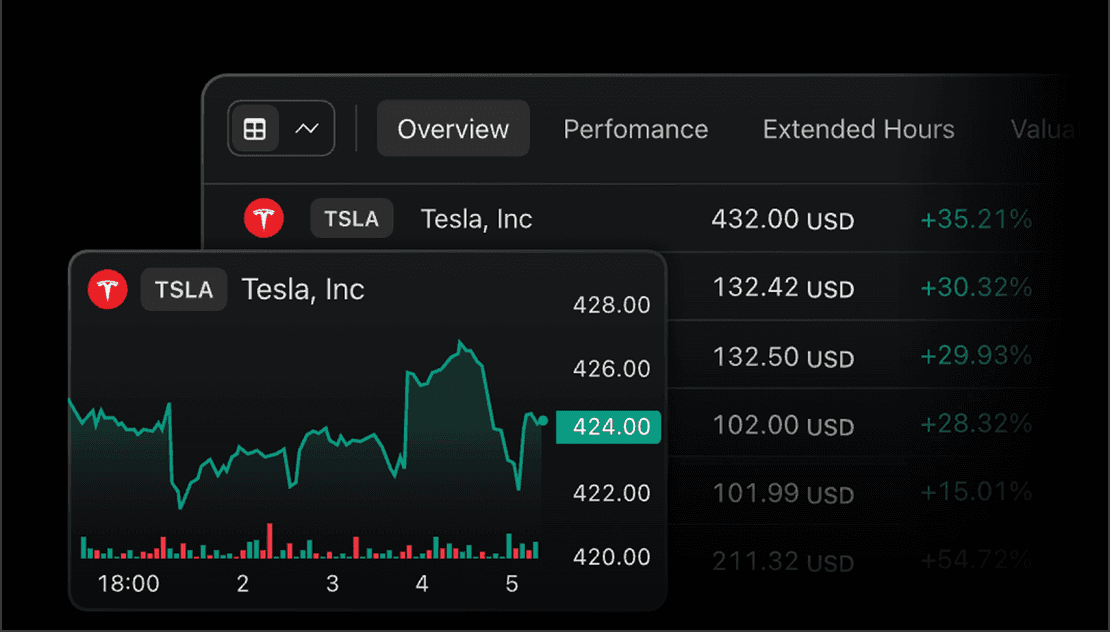
Fundamental data beyond the charts

Access key financial metrics directly inside TradingView — compare company performance, analyze valuation metrics, and track fundamental trends alongside price action.

  • Compare financial metrics
  • Multi-asset market comparison
  • Price + fundamentals together
  • Multi-year market visualization
  • Built for informed decisions

Real-time alerts. Real trading advantages.

Stay informed with customizable TradingView notifications across multiple markets, trading symbols, and devices.

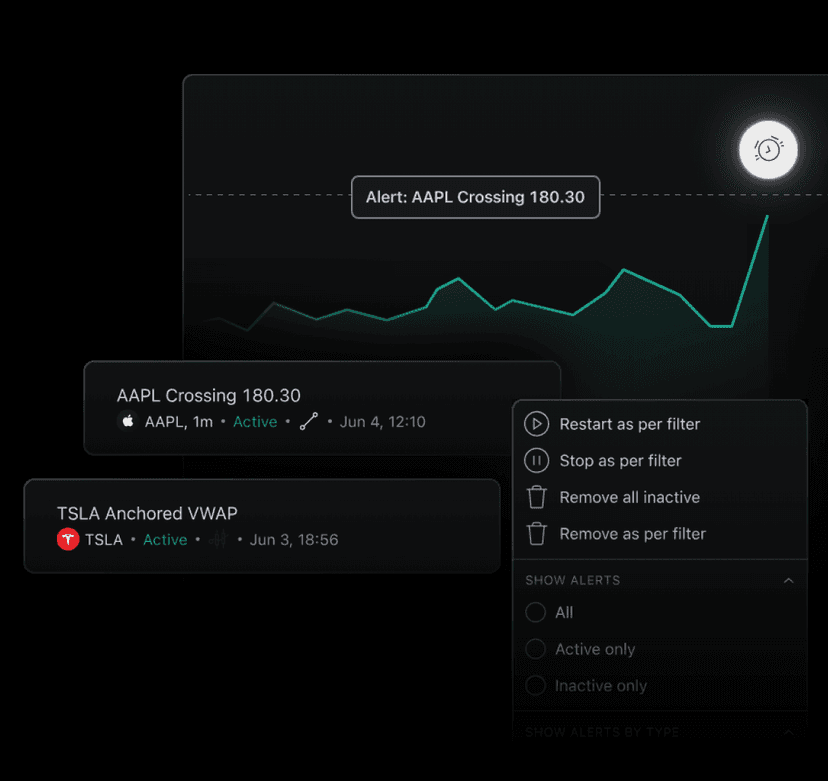
Never miss a market move

Create powerful TradingView alerts and stay connected to the markets with real-time notifications across desktop, mobile, and web.

  • Real-time trading alerts
  • Multi-device notifications
  • Smart chart integrations
  • Built for active traders

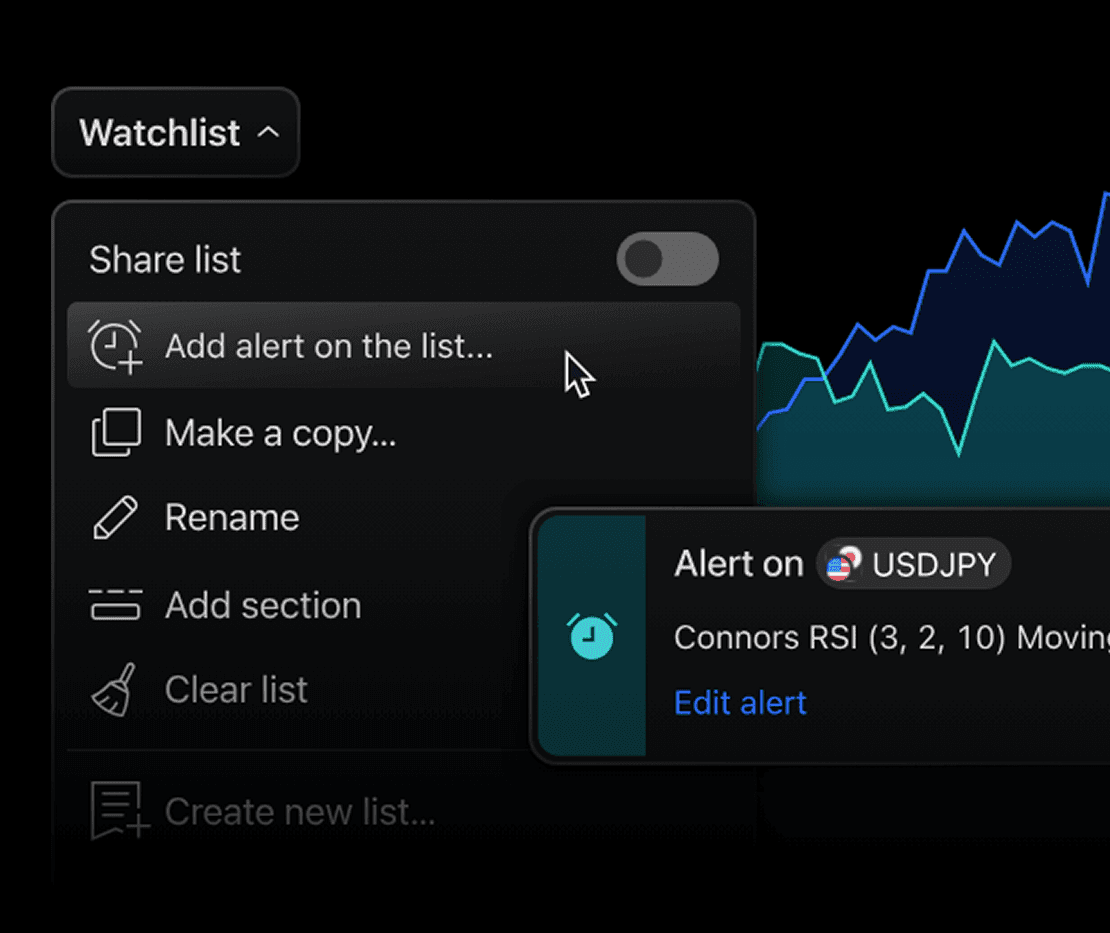
Watchlists, fully monitored

Cover your entire watchlist with a single alert. Track multiple symbols at once and get notified as soon as your conditions are met.

watchlist alerts

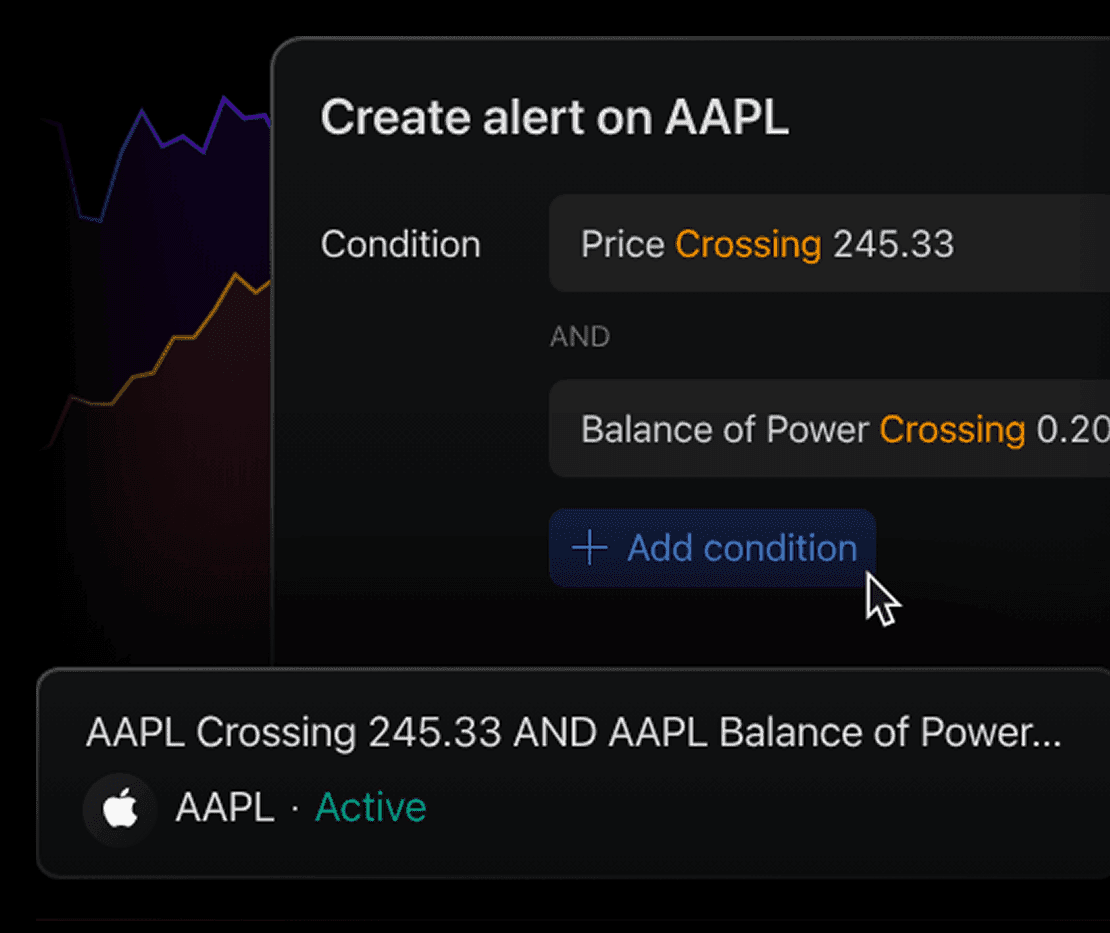
One alert, multiple conditions

Combine multiple conditions into a single alert to monitor price, indicators, drawings, and more — reducing setup time while covering more trading scenarios.

multi-condition alerts

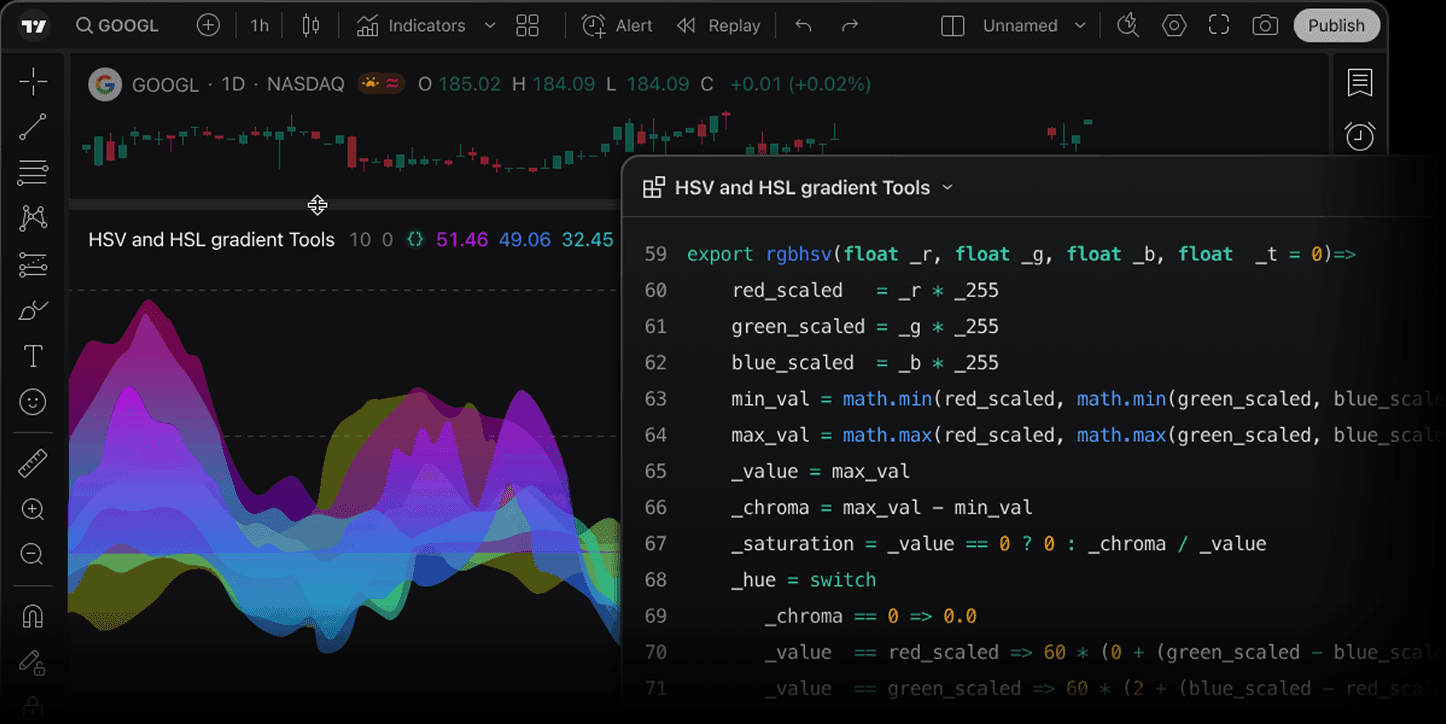
Build custom tools with Pine Script®

Develop indicators, strategies, and market alerts with Pine Script® and advanced TradingView charting tools.

Pine Script® editor next to a TradingView chart

Custom indicators

Build personalized indicators and technical analysis tools.

Strategy automation

Create custom trading logic and market conditions.

Integrated market data

Access TradingView market data directly inside scripts.

How to connect to TradingView

Get started in four simple steps and begin trading in minutes

  • 1
  • 2
  • 3
  • 4
  • 1
    Create your accountSign up for PrimeXBT and get ready to trade in minutes.
  • 2
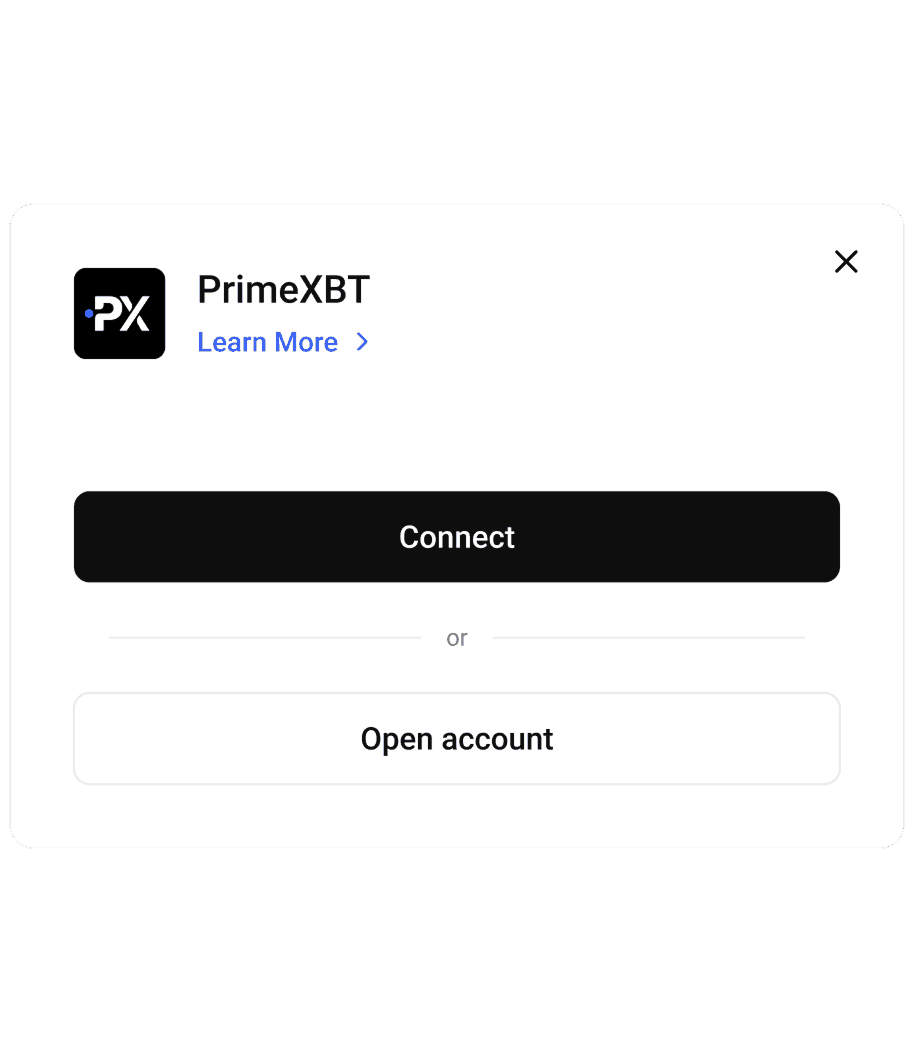
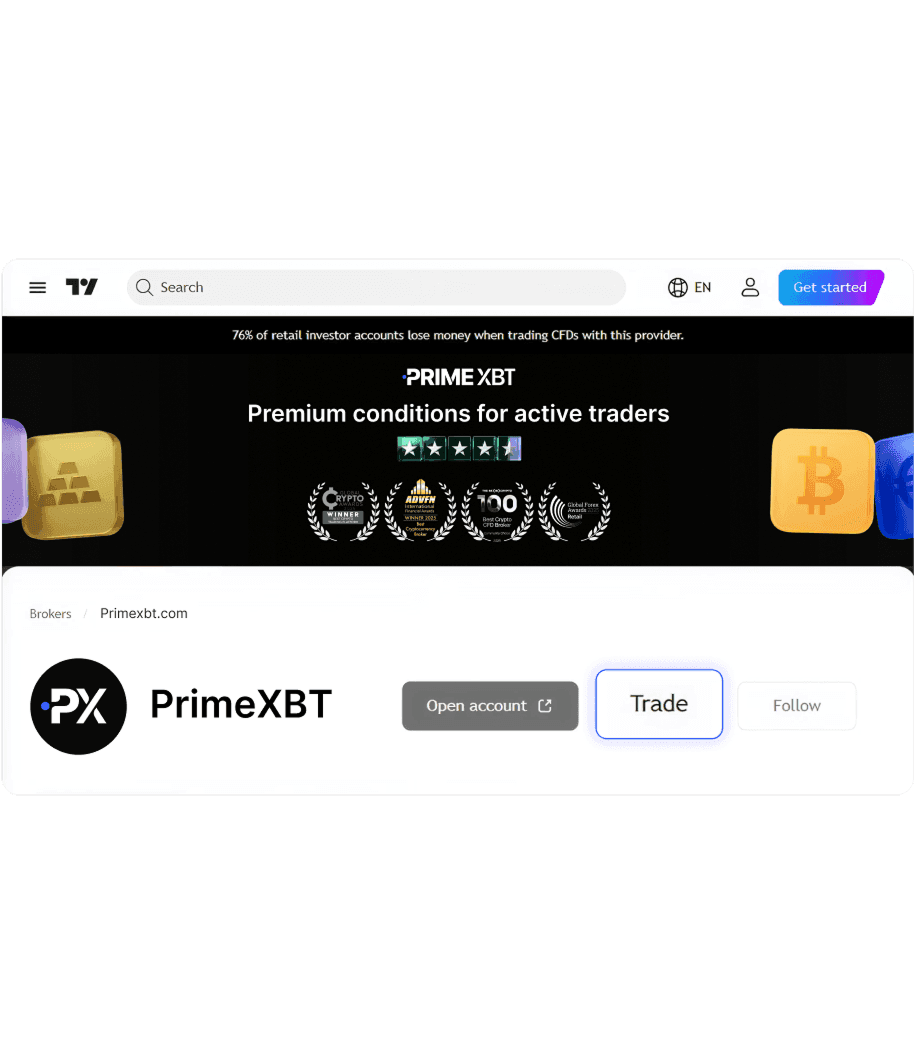
    Find PrimeXBTOpen the PrimeXBT profile on TradingView and click “Trade”
  • 3
    Link accountsLog in to PrimeXBT and connect your account to TradingView.
  • 4
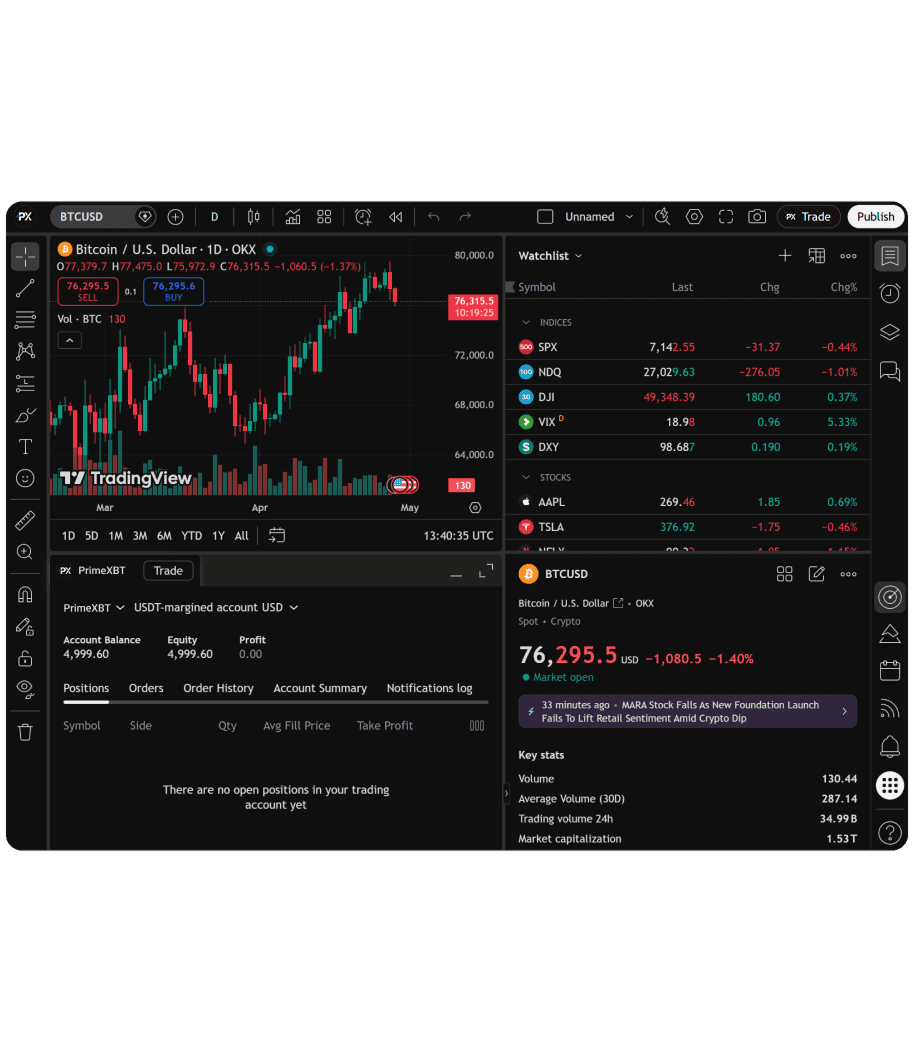
    Start TradingTrade directly from TradingView with PrimeXBT's execution and pricing.

Trade anywhere.
Perform everywhere

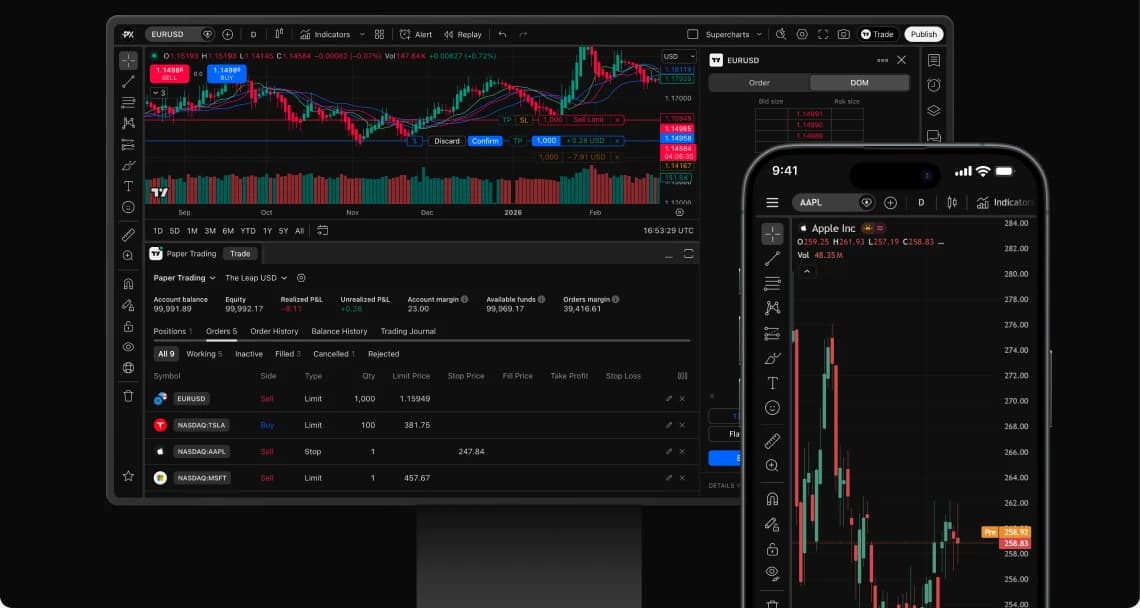
The full power of PrimeXBT × TradingView — in your browser, on your desktop, in your pocket.

Available on all devices

TradingView with PrimeXBT on a desktop monitor and a smartphone

Get started in minutes

Join thousands of traders who combine TradingView's world-class charts with PrimeXBT's top-tier conditions. Analyze deeper, trade smarter, and never settle for less.

Trading involves risk

Frequently asked questions

It's a direct connection between your PrimeXBT account and the TradingView platform's charting environment. Use 400+ indicators, 20 chart types, Pine Script® strategies, and the full TradingView community — then execute trades directly on TradingView using PrimeXBT's deep liquidity and fast execution. One login. Full control.

Go to tradingview.com, click the member icon in the top right corner, and sign up using your preferred method. A free account is enough to connect to PrimeXBT and start trading. Once registered, explore the TradingView platform — browse trading ideas, join the community, and discover strategies shared by millions of traders.

Everything available on PrimeXBT — 380+ instruments across all markets: Crypto Futures, Forex CFDs (95+ pairs including EUR/USD, GBP/USD, and exotics), Crypto CFDs (BTC, ETH, and 30+ altcoins), Commodities (Gold, Oil), Indices (S&P 500, Nasdaq, FTSE), and Share CFDs on global stocks. All from a single account.

The TradingView platform is available on desktop, web browser, and the TradingView mobile app for iOS and Android. Once your PrimeXBT account is connected, you get the same full trading experience across all devices — including position monitoring and order management on the go.

No. Connecting your PrimeXBT account to the TradingView platform is completely free. Your standard trading conditions apply: 0% commission on CFDs with spreads from 0.1 pips on Forex. For Crypto Futures, the maker fee is 0.01% and taker fee starts from 0.015%. No deposit fees, no withdrawal fees.

Leverage depends on the instrument and your account type. Forex CFDs go up to 1:1000, Commodities up to 1:200, Indices up to 1:1000, Shares up to 1:20, and Crypto CFDs up to 1:500, Crypto Futures up to 1:500. Trading with leverage carries significant risk — make sure you understand how it works before opening positions.

All account funding and withdrawals are handled through your PrimeXBT account, not TradingView. To start trading on a live account, complete a quick and simple KYC verification — it only takes a few minutes. Once verified, deposit via Visa/Mastercard, bank transfers, Binance Pay, Neteller, Perfect Money, or crypto in BTC, ETH, USDT, USDC, and 50+ other tokens. Minimum deposit starts at $1 - depends on payment method. Processing is instant in most cases.

Yes. PrimeXBT offers free demo accounts with virtual funds — test your strategies, explore the platform, and practice trading across all available markets without any risk. You can open a demo account directly from your PrimeXBT profile, no deposit required.

No. A free TradingView account is enough to connect to PrimeXBT and access core charting tools, indicators, and the trading community. A paid plan unlocks extras like more chart layouts, additional custom indicators, and advanced alerts — but it's entirely optional.

Yes. All account transactions — including deposits and withdrawals — remain fully operated by PrimeXBT. TradingView only accesses the data needed to display market data and execute orders. PrimeXBT uses 256-bit encryption, Fireblocks custody, and cold storage to protect your funds at all times.